How to Buy From KakoBuy (or Any Shopping Agent) — Step by Step, 2026
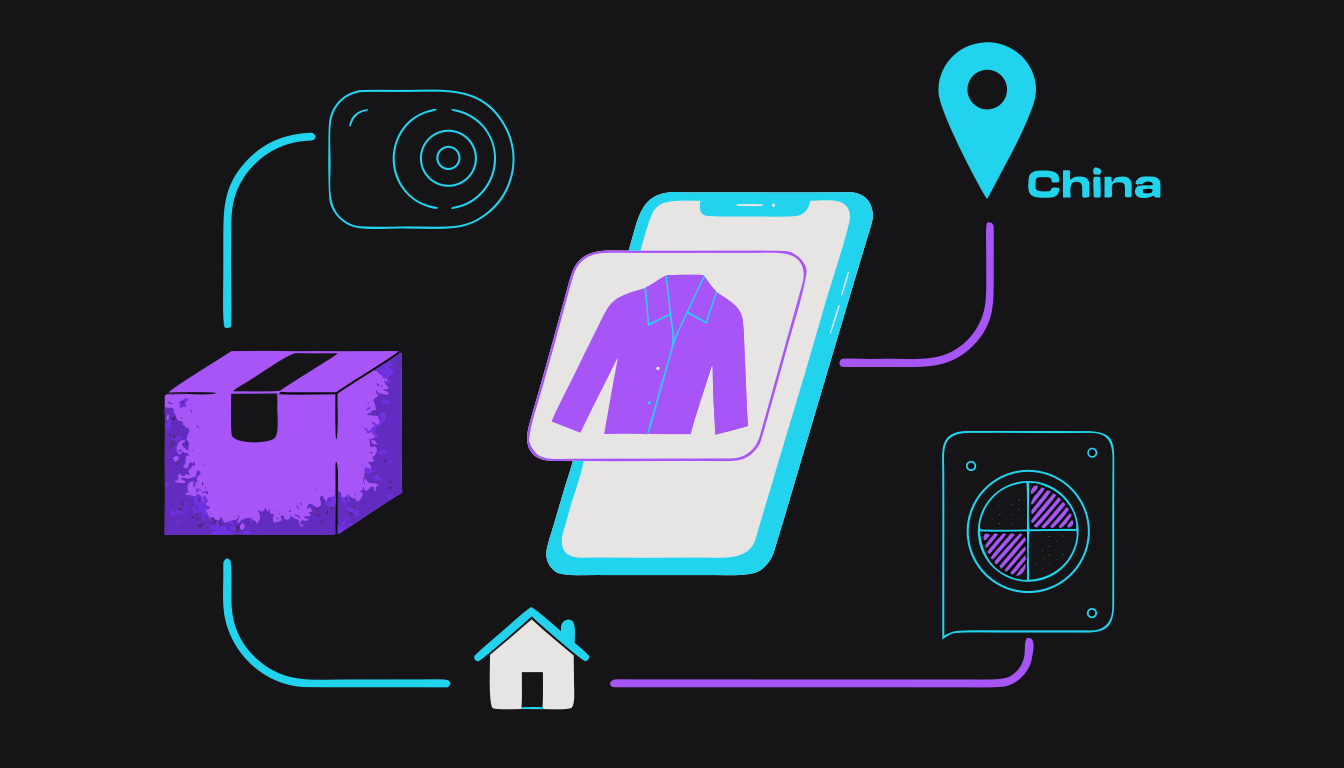
A shopping agent is a company in China that buys from Chinese shopping sites (Taobao, Weidian, 1688) for you. Your items go to the agent's warehouse. Staff photograph them. Then everything is packed into one box and shipped to you.
Before you start
You pay twice. First, when you order: the item price plus the small postage from the seller to the warehouse. Second, later, when you tell the agent to ship the box to you: the international shipping. That second payment is the biggest cost, and it comes after your items have already arrived at the warehouse.
From first order to your door, plan on three to five weeks.
This guide uses KakoBuy as the worked example. It is the agent we buy through ourselves. Our KakoBuy links carry the affiliate code "thelude" — it costs you nothing and changes nothing we say.
Every step has an "other agents" note, because the flow is the same at Superbuy, Oopbuy, Hoobuy, Joyagoo and the rest. Facts below come from rep.tools' own parcel data (measured through July 2026), the agent status board (verified August 31, 2026) and KakoBuy's own in-app wording (checked September 1, 2026).
Five words you will see on every screen:
- Warehouse — the agent's building in China where your items wait. On KakoBuy the page in your account is literally called "Warehouse".
- QC photos — "quality check" photos. Warehouse staff photograph your item when it arrives. You use them to decide: keep it, or send it back.
- Submit a parcel — the button that means "pack these items into one box and ship it to me". KakoBuy's screen is called "Submit Package". You pay international shipping at this point, not before.
- Shipping line — one delivery option the agent sells for your country. Each has a name (often a carrier name like EMS or UPS), a price by weight and an estimated days range. Faster costs more.
- Consolidate — putting several items from different sellers into one box. This is why agents are cheaper than posting each item on its own.

Pick an agent and create your account
Choose one live, established agent, register with your email, add your delivery address — and never park a big balance in the account.
Every major agent runs the same loop: link in, warehouse, QC photos, one consolidated parcel, ship. So pick on the things that differ: how long free storage lasts, which payment methods work, the QC-photo policy, and which shipping lines (delivery options) serve your country. One agent is enough. Your items must all land in the same warehouse to ship as one box.
KakoBuy as the example: operating since 2023, 100 days of free storage, free QC photos on every item, PayPal and crypto top-up officially (cards reported), and 10+ shipping lines including US and EU options where the import tax is already included in the price.
Its weak spot is dispute handling, so the later steps show you how to use it defensively. Disclosure again: the signup link below carries our affiliate code "thelude".
Check the agent is actually alive before you sign up anywhere. As of August 31, 2026, CNFans and ACBuy/AllChinaBuy are shut down (owner-confirmed), NPbuy's domain is dead, and Mulebuy is carrying unconfirmed warehouse-raid reports — verify before ordering there.
A site loading for an afternoon, or erroring for an afternoon, proves nothing either way; use the status board.
- Decide your agent. If you have no strong reason to use another one, use KakoBuy — every screen described in this guide is KakoBuy's. Then open /guides/agent-status and confirm it is listed as Up (statuses verified August 31, 2026).
- Go to the site by typing the address yourself or using the link at the bottom of this step — not from a link in a comment section. Register with an email you check daily, then confirm it.
- Add your full delivery address and phone number in your account settings before you order anything.
- Use a unique password; this account will hold items you have paid for.
- Skip the "top up" / wallet feature. Pay each order with PayPal or a card instead, so you can dispute it later if you need to.
- Signing up for three agents at once and splitting items across three warehouses that cannot be combined.
- Panic-switching agents because of a TikTok "raided" rumor with no confirmation behind it.
- Loading a big balance you cannot dispute later.
Find what you want to buy
Get a Taobao, Weidian or 1688 product link from a spreadsheet, a curated finds page, or the community — and save the original marketplace link, not just the agent link.
Everything starts with a marketplace link. Beginners usually find them three ways: community spreadsheets (big lists of finds with links and often QC photos), curated finds pages like /products on rep.tools, and community threads where people ask "W2C" (where to cop) and others reply with links.
Save the original Taobao, Weidian or 1688 link for every find, plus the seller's name. An original link points at the marketplace itself (the address contains taobao.com, weidian.com or 1688.com). An agent link points at the agent's site (kakobuy.com, hoobuy.com and so on). Agents die — CNFans did in August 2026 — but original links survive and can be rebuilt for any live agent.
Two quick checks before you go further. First, the price on the listing should be close to the price the spreadsheet or finds page shows for it (community guides say within about 10%). Second, the listing should have a size chart in centimetres.
Many items exist in several "batches" — versions made by different factories, which spreadsheets name. For a first haul, pick a listing with recent, consistent QC photos and lots of reviews over the cheapest one you can find.
- Browse /products or a spreadsheet you trust and pick one or two items, not ten.
- Copy the product link and paste it into a note with the seller name and the size you think you need (Step 5 checks it).
- Look for a cm size chart in the listing images; skip listings without one for now.
- Check the listing price is close to the price your spreadsheet or finds page shows for it.
- Buying from a random link in a comment section with no QC history.
- Using a copycat spreadsheet site. Some people copy a popular spreadsheet and swap in their own links. Open spreadsheets from the creator's own profile or bio, not from a search result.
- Chasing the cheapest listing instead of the proven one.
Get the item onto the agent
Paste or convert the link, pick the colour option and a best-guess size, leave a remark, and note the seller — but do not pay yet.
Paste the link into the search box at the top of the agent's homepage. The listing loads with the seller's photos, the price in CNY (Chinese yuan — the agent converts it to your currency at its own rate) and the seller's options.
If the link starts with another agent's address (hoobuy.com, oopbuy.com and so on — common with spreadsheets), paste it into /converter first. It pulls out the marketplace ID and rebuilds the same listing for 20+ live agents, including links from dead agents like CNFans or ACBuy.
Pick the size and colour from the seller's own option list. Options are often in Chinese, so match by the option photo or number, not by guessing. Use the Remark box on the order page to spell it out in plain words (for example "black, size 44"). Write the seller or store name into your notes so you can find them again.
One thing to understand now: the agent buys whatever the link says. KakoBuy's own app text puts it plainly — it "cannot identify the quality and/or authenticity of the goods". Checking the listing and the QC history (Step 4) is your job.
Also from KakoBuy's app: medicine, liquids, pastes and cosmetic powders are restricted from export by Chinese customs — ask before ordering those.
- Paste the link into the search box on the agent's homepage — or into /converter first if it is another agent's link.
- Confirm the loaded photos match the listing you researched.
- Pick the colour option by its photo. For size, pick your best guess for now — Step 5 checks it, and you can change it in the cart before you pay. In the Remark box, type what you want in plain English, for example "black, size 44".
- Add the item to your cart and stop here — do Steps 4 and 5 before paying.
- Picking the wrong variant because the option text was in Chinese.
- Assuming the agent checks quality or authenticity before buying — it does not.
- Ordering liquids or cosmetics that cannot be exported.
Check QC photos before you order
See what past buyers actually received for the exact listing, for free, before you spend anything.
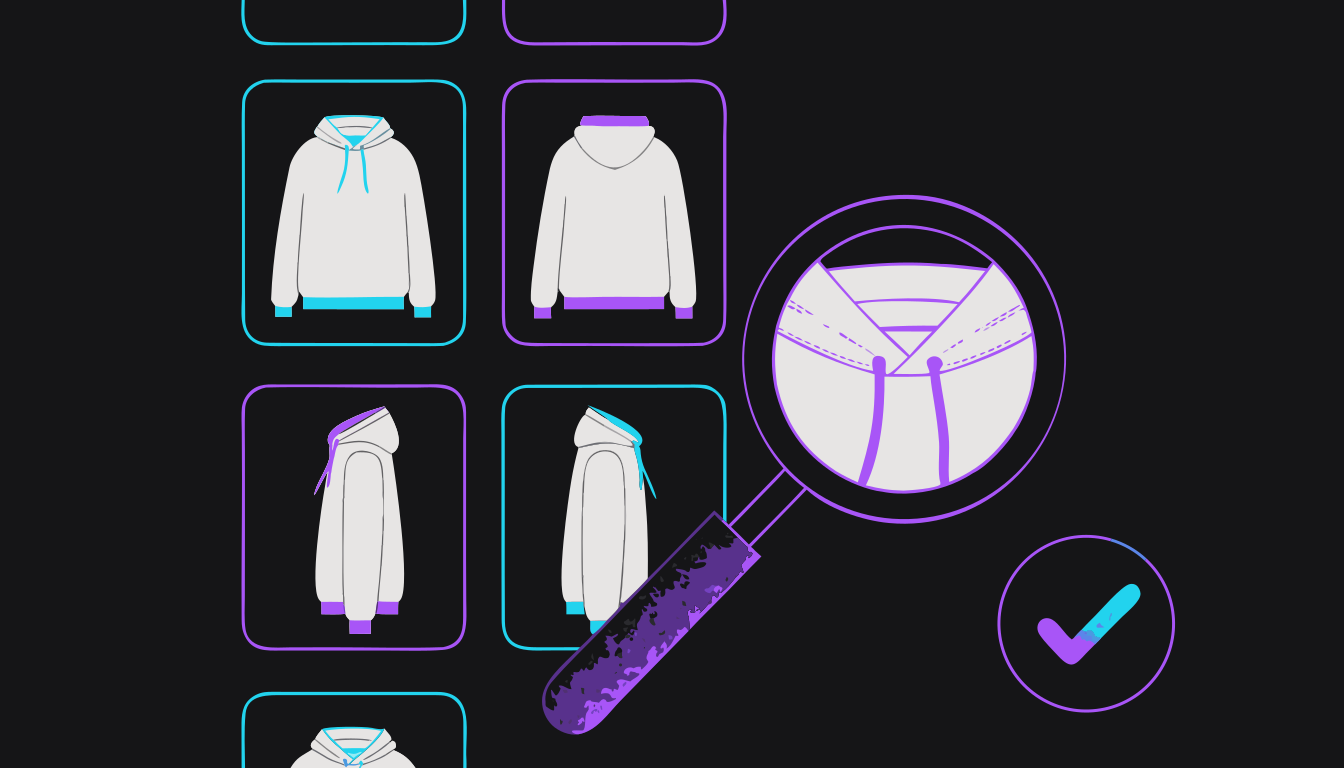
QC photos are the pictures an agent's warehouse takes when an item arrives. KakoBuy exposes its photos openly, linked to the product listing, so you can look at real warehouse photos of the exact item before ordering — no account, no purchase. Paste your link into /qc-finder.
What to look for: does the item match the listing photos, are stitching, logos, tags and shape consistent across two or three different buyers, and what does the size tag say versus the size you plan to order. A listing with no QC history is not automatically bad, just unproven. For a first order, prefer proven listings.
Be realistic about what a photo can tell you. It shows condition, not fit and not how a fabric feels, and warehouse lighting can shift colours. The full 7-point method is at /guides/how-to-read-qc-photos.
- Paste the link into /qc-finder and open the most recent QC sets (one set = one buyer's batch of warehouse photos).
- Compare at least two buyers' photos with each other and with the listing.
- Zoom on the size-tag photo and note the measurements if a ruler shot exists.
- Screenshot the best QC set — you will compare your own photos to it in Step 7.
- No photos at all for this listing? For a first order, go back to Step 2 and choose a listing that has some.
- Trusting the seller's studio photos instead of warehouse photos.
- Judging a seller on one bad QC set — check several.
- Deciding colour from a single photo taken under warehouse lights.
Get your size right
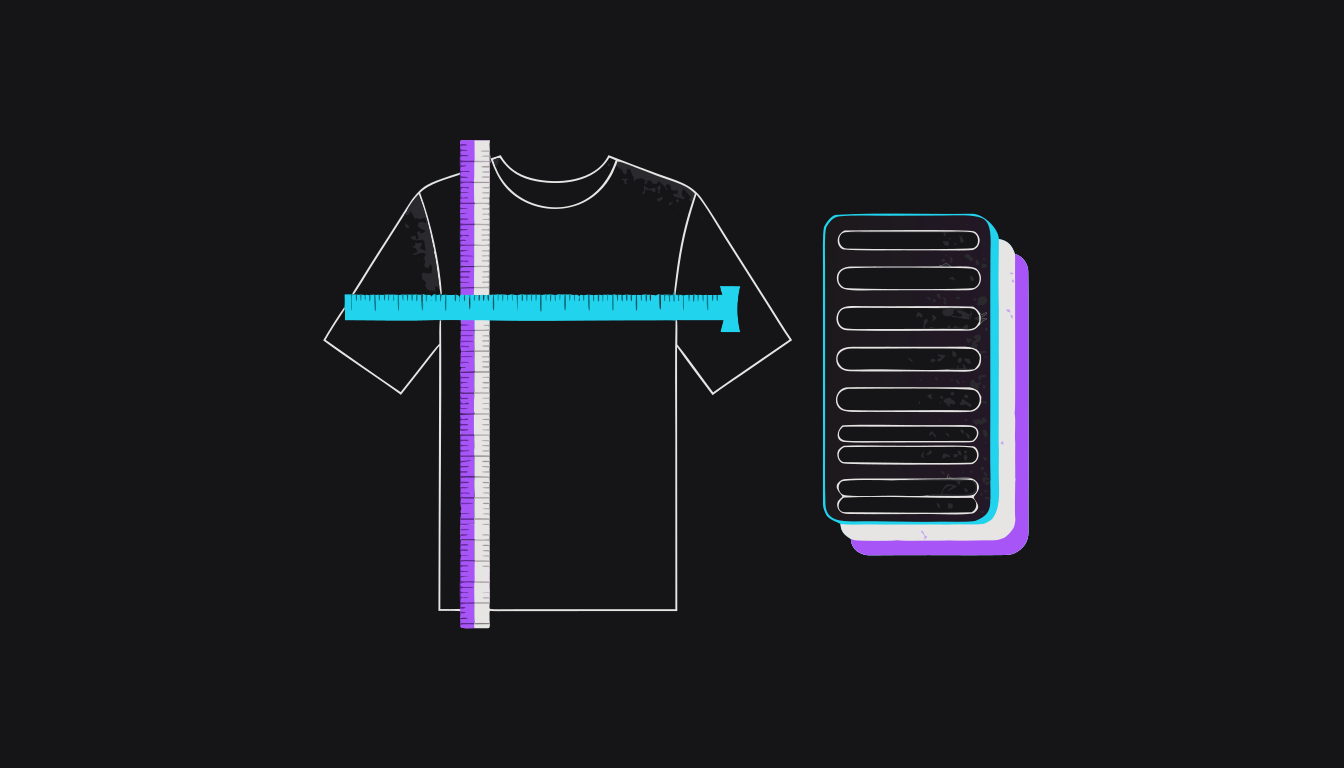
Ignore S/M/L, use the seller's centimeter chart, and check it against a garment you own — sizing is the one thing QC cannot fix.
The most common beginner mistake is trusting the label. Chinese S/M/L runs small and varies from store to store. Use the seller's cm measurement chart (usually an image in the listing) and compare it with something you own that fits, laid flat and measured with a tape. For shoes, work in cm or EU sizes from the chart, not "US 10".
For clothing, the size estimator at /measurements takes your height, weight, sex and build (plus your own measurements if you have them) and matches them to the seller's chart. It is in beta and clothing-only — treat its answer as a starting point, not a guarantee, and check it against the chart yourself.
If a listing has no chart, ask the agent through the Remark box or chat to get measurements from the seller, or choose a listing that has one.
Cross-check with the size-tag photos you saved in Step 4. Then accept the hard truth: a wrong size arrives looking perfect in QC photos and still does not fit, and "I changed my mind" is not a claim any agent will accept.
- Lay a top that fits you flat on a bed. With a tape measure: armpit to armpit is chest, top of the collar to the bottom hem is length, shoulder seam to shoulder seam is shoulder. For shoes, stand on paper, mark heel and longest toe, and measure that in cm.
- Compare those numbers to the seller's chart, not to the letter size.
- For clothing, run /measurements and note the size it suggests plus its safety range.
- If you are between sizes: tops, go by chest; trousers, go by waist; shoes, go by foot length. Still torn? Take the size whose numbers are a little bigger than your own garment's, not smaller.
- Go back to your cart. If the size you worked out here differs from your Step 3 guess, remove the item and add it again with the right size option, then fix the remark.
- Ordering your usual letter size.
- Copying a "true to size" comment from someone with a different build.
- Ordering two sizes planning to return one — returns cost postage and time, and only work while the item is still in China.
Place the order and pay
Pay the item price plus the seller's postage to the warehouse now; international shipping comes later. Use PayPal or a card so you have a dispute path.
Two stages, two payments. KakoBuy's own app text: "Shopping is divided into two stages: Chinese purchasing agent and international shipping, including two payments."
Stage 1, now: the goods cost plus the seller's postage to the warehouse, plus any service fee the checkout shows (KakoBuy does not publish a fee schedule; many standard orders show zero). Stage 2, in Step 8: international shipping.
Pay with PayPal or a card rather than money loaded into the agent's wallet. If the agent will not refund you, PayPal or your card company can — a wallet balance has no such protection. KakoBuy officially takes PayPal (and crypto); cards are reported to work. Any processing fee is shown at checkout.
After you pay, the agent's buyers purchase from the seller and the seller ships within China to the warehouse — typically a few days to a week (blog-reported 3–7 days).
Your order page shows an order status and a goods status for each item, and they change as the agent buys it, the seller ships it, and it reaches the warehouse — the exact labels vary by agent. If the seller cancels the order, the agent refunds you; complaints about KakoBuy say those refunds can be slow or partial, so keep your payment screenshot.
KakoBuy recommends running an international freight estimate before you place the order, so you know roughly what Stage 2 will cost.
- Re-check every cart item's option and remark.
- Open KakoBuy's shipping estimator at kakobuy.com/tools/estimate, enter your country and a rough weight, and note the price range. That is roughly what Stage 2 will cost.
- Pay with PayPal or a card and screenshot the confirmation.
- Keep your first haul small — one or two items — until you have completed the full loop once.
- Treating the Stage 1 total as the whole cost.
- Topping up a large balance you cannot dispute.
- Ordering in late January or early February: Chinese New Year stalls everything.
Wait for warehouse arrival, then review your own QC photos
Your item gets photographed on arrival; you keep it, ask for more, or return — and this is the last cheap place to fix anything.
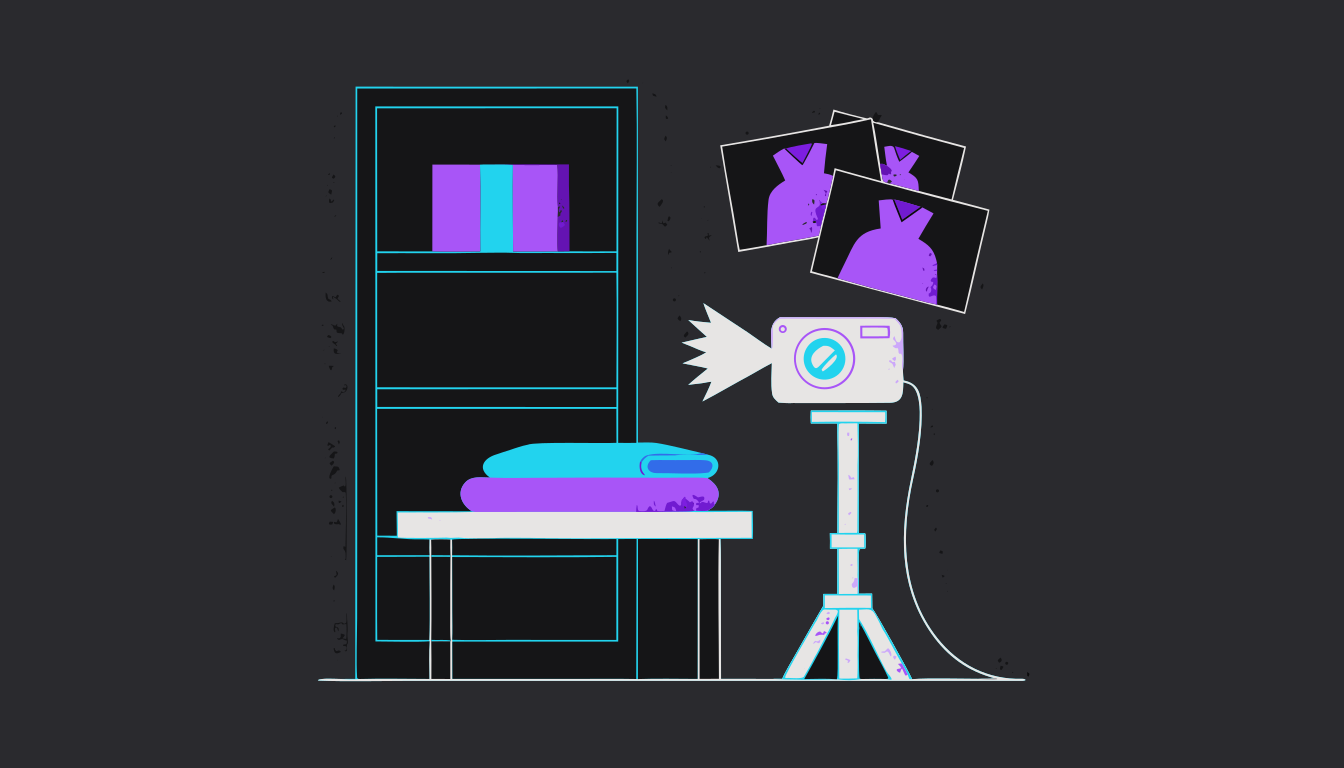
When the item reaches the warehouse, staff photograph it. At KakoBuy this is free; community reports say around 3–5 photos, usually within 24 hours. KakoBuy's stated scope is a check for "defections, size, colors, and etc." — major defects, not loose threads or slight shade differences.
The photos appear against the item in your account (the Warehouse page on KakoBuy), so check there rather than waiting on an email.
Now you decide. There are three choices.
Keep it: it simply stays on your Warehouse page until you ship it (if your agent shows an approve button, press it only after you have checked). Storage is free for 100 days at KakoBuy, with a reminder at day 90. Items left past the free period can be treated as abandoned.
Ask for more: request extra angles, the size tag, or a measurement against a ruler.
Return or exchange: open it from the order in your account while the item is still in China. You usually pay the postage back to the seller — KakoBuy's return checkbox reads "If must, I am willing to bear the shipping fee & service fee for return/exchange."
The window is short. Community guides commonly cite about 72 hours after the photos go up; the exact rule is your agent's, so check its own page.
Then the pause. Do not tap approve from a notification thumbnail. Open the photos on a big screen, compare them with the QC set you saved in Step 4 and the size chart from Step 5, and come back once with fresh eyes inside the window.
Once you approve and it ships, "I approved it" is not a claim any agent accepts.
- Check the photos within a day of the arrival notification.
- Compare them with the listing, your saved QC set, and the size tag you expected.
- Request extra photos or measurements if anything is unclear — it is cheap now.
- Open a return or exchange from the order page for wrong item, wrong size, or damage — before the window closes.
- Only then let the item sit in storage.
- Missing the dispute window because the email went unread — turn on app notifications.
- Approving from a phone thumbnail.
- Accepting a wrong size hoping it will somehow fit.
Submit the international parcel
Combine everything into one box, strip bulky packaging, pick a shipping line, declare honestly, decide on insurance, and pay international shipping.
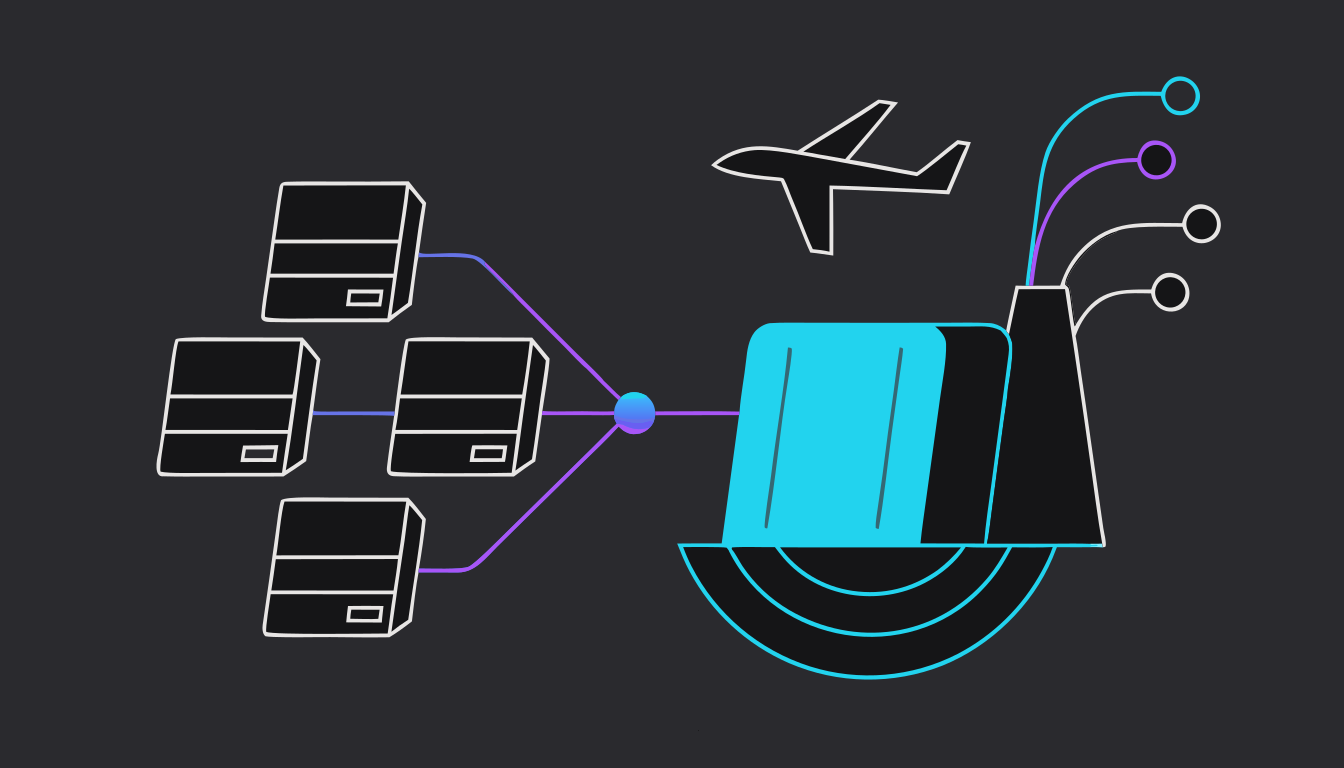
When everything you want is in the warehouse, go to your Warehouse page, tick every item, and press submit — KakoBuy calls the next screen "Submit Package". Submitting means: pack these into one box and ship it to me.
KakoBuy's app text: "You can freely choose products in your warehouse and submit them into one parcel." Consolidation is the whole point of an agent — one box is far cheaper than several, and under the EU's 2026 rules splitting a haul saves nothing.
Packaging. Shipping is charged by weight — but a big box counts as heavy even when it is light (agents call this volumetric weight). A shoebox full of air costs real money. KakoBuy will remove shoebox packaging on request, and there is a separate option to remove security tags and paper labels.
Both options are one-way. KakoBuy's app gives the same warning for each: once removed it "cannot be restored, and the item becomes non-returnable". By this step you have already approved QC, so that is normally fine — but only tick either box for items you are certain you are keeping.
Shipping line. Pick one delivery option for your country. Each shows a price and an estimated days range. In our data, direct single-carrier lines (EMS or courier-style) delivered roughly 40% faster than the cheapest consolidated lines — about a week saved — for more money.
Tax. For the US, lines with the import tax built in (names like "Duty-Free Route" or "Tax-Free Line") are the norm. For the EU, choose a line marked tax-prepaid or DDP: the €3 duty and VAT are in the price, and nobody bills you at the door.
Customs declaration. The form asks what is in the box (category) and what it is worth (value). Answer truthfully. Misdeclaring risks seizure and fines, and the EU's new rules are built to catch it.
Insurance. It is a choice, not a checkbox. KakoBuy's terms compensate loss, damage, delay or customs detention "up to the insurance amount", with exclusions — for example, seizure caused by not cooperating with customs or not paying tax is not covered. Read the terms before you tick.
Pay international shipping now. The weight is an estimate until packing — KakoBuy states "any excess payment shall be refunded and any deficient shall be repaid".
- Select every item you want in this box; do not ship items one at a time.
- Tick shoebox and outer-packaging removal only for items you are sure you are keeping — KakoBuy's app says either packaging or tag removal makes the item non-returnable. Tag removal is optional.
- Compare two or three lines for your country: price, the estimated days range, and the line's description (it says what the line will not accept).
- Fill in the customs declaration truthfully and decide on insurance after reading what it covers.
- Pay the shipping and note the parcel order number.
- Choosing the cheapest line without checking its restrictions or volumetric weight.
- Misdeclaring value in either direction.
- Submitting in late January or early February — our worst dispatch delay, 26 days, was a Chinese New Year parcel.
Track it and clear customs
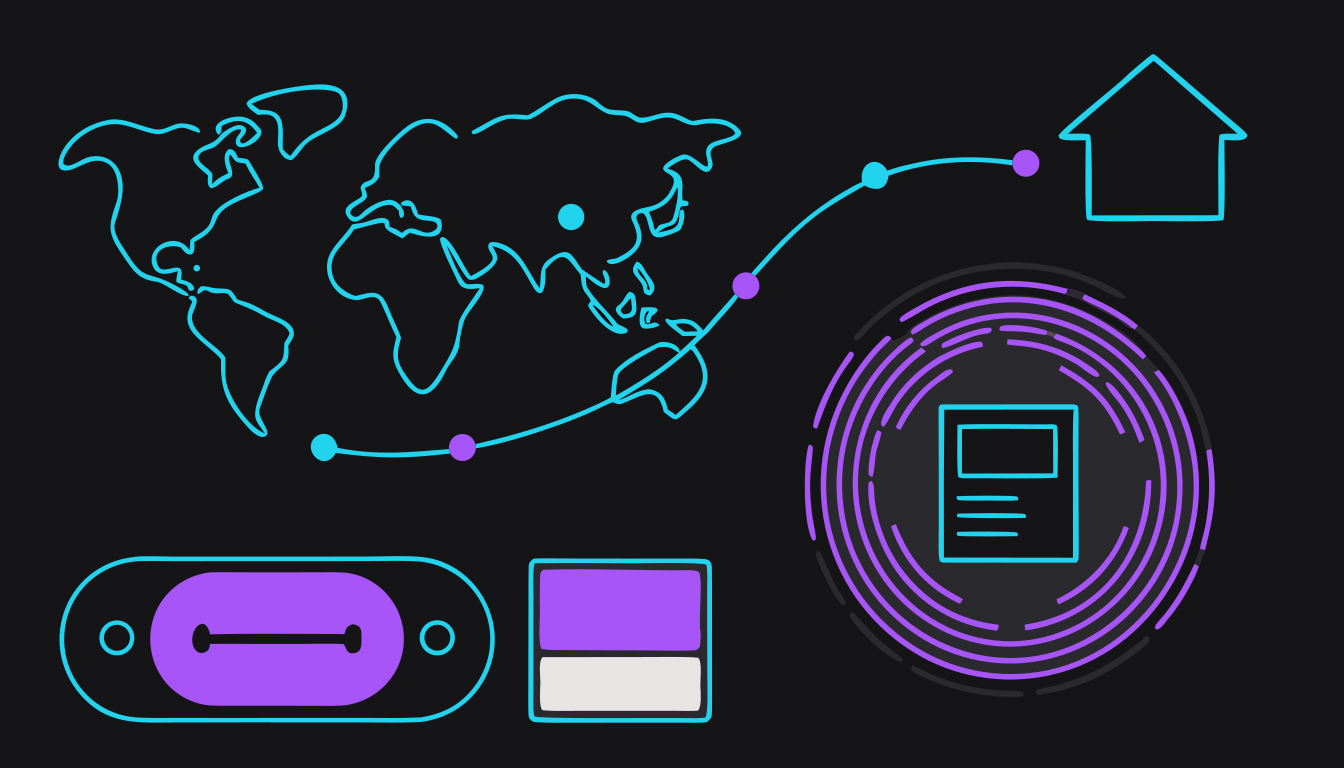
Expect a silent first week, use measured delivery windows instead of carrier promises, and know what your region charges at the border.
After you pay shipping, dispatch is quick. Across our own 69 KakoBuy orders the typical (median) wait was 1 day, and 85% shipped within 4 days. Your tracking number appears on your parcel's page in your account (KakoBuy labels the section "Logistics information").
Then comes the part that scares beginners. The tracking number often shows nothing for the first 5–10 days. That is the China part of the journey (a median of 6–8 days in our data), and it rarely produces updates. This is normal.
Paste the number into /tools/track. It joins the China part and the delivery-country part into one timeline and estimates your delivery date from real parcels. Only message the agent's support after 14+ days with no movement at all.
Measured door-to-door windows from ship-out, across 733 tracked parcels: US 12–19 days (median 16), UK 7–16 (median 9), Canada 10–20 (median 14.5), Germany 12–24 (median 16), Australia 11–19 (median 15). Warehouse and consolidation time is on top of these.
Customs depends on your country, not your agent. US: since 2025 there is no tax-free allowance for parcels from China, so US lines are priced with the tax built in. You should normally get no separate bill at the door.
EU: since July 1, 2026, parcels under €150 pay a flat €3 duty per product category, plus VAT. Five t-shirts pay €3 once; a hoodie, sneakers and a bag pay €9. On tax-prepaid lines it is in your quote. On postal lines the carrier bills you at delivery, often with its own handling charge on top. Run /tools/fees before you submit.
UK: no new rules in 2026 (the £135 threshold still applies as before), and parcels usually clear in 1–2 days. Wherever you are, if you do get a tax notice, pay it. KakoBuy's own warning: "If you receive a tax notice, please clear the customs and pay the taxes, or an expensive fee of parcel return might incur."
- Copy the tracking number from your parcel's page and paste it into /tools/track.
- Check every couple of days, not every hour — the first week is usually silent.
- EU buyers: run the fee calculator before submitting and set that money aside.
- Answer any carrier or customs message the same day; some routes have no redelivery. To pay a tax notice safely, go to the carrier's own website or app yourself rather than tapping a link in a text.
- Panicking during the silent first week and opening tickets on day 3.
- Ignoring or refusing a tax notice — the parcel can be returned at your cost.
- Assuming a tax-prepaid (DDP) line means no duty is owed; it only changes who pays it.
Delivery, unboxing, and what to do if something is wrong
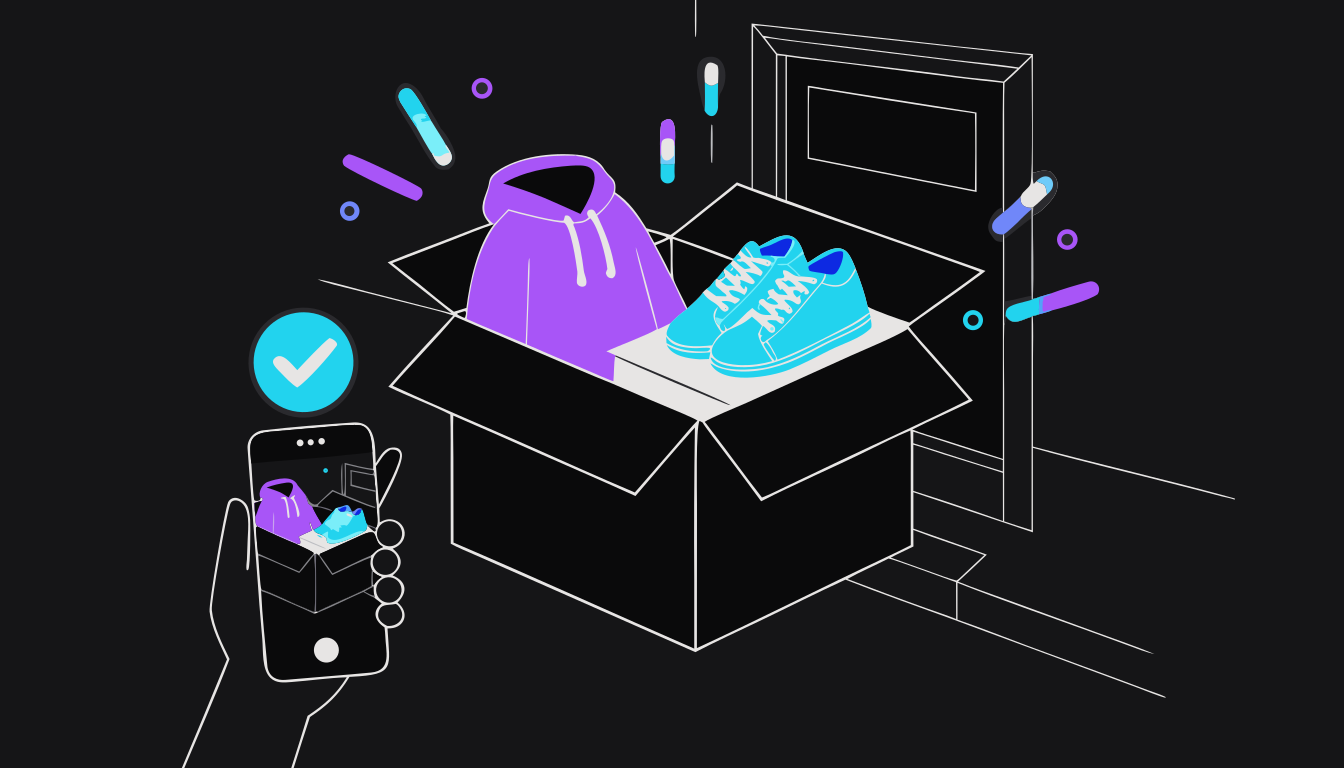
Film the unboxing, compare every item to its QC photos, and go to the agent with evidence within days — with PayPal or your card as the last-resort backstop.
Film the unboxing: one continuous take from the sealed box with the shipping label visible through to the last item. A missing unboxing video is the single most cited reason insurance claims get denied. Then compare each item to the QC photos you approved in Step 7.
Only confirm receipt in the app after you have checked everything — KakoBuy's prompt asks you to confirm you have actually received the parcel.
If something is wrong, it falls into one of three buckets.
Damaged, missing, or a different item from your QC photos: message support immediately with the video and side-by-side photos. Insured parcels are compensated "based on the actual shipping cost and the actual value of the goods, up to the insurance amount".
Does not fit, or not what you hoped: not claimable anywhere. Sell it or gift it, and fix sizing next time.
Stuck or silent parcel: use the tracker's timeline and the 14-day rule from Step 9.
Expect dispute handling to be the weak point. KakoBuy's pattern, from real complaints, is strict reading of insurance terms, compensation offered as coupons, and slow refunds. If support stalls, PayPal or your card company can refund you — that is why you paid that way. Keep the first haul modest, complete the loop once, and the second one is easy.
- Film the unboxing before you touch anything.
- Compare each item to its approved QC photos and the size chart.
- Keep the box, packaging and labels until any issue is closed.
- Open a ticket within days, with video and photos, and state exactly what you want.
- If support stalls past its own stated timelines, a PayPal or card dispute is your backstop — use it last, after a written ticket trail, and only for the order in question. These disputes have time limits that start from the day you paid, and the parcel takes weeks to arrive, so do not sit on a problem.
- Opening the box off-camera.
- Confirming receipt before inspecting.
- Expecting a fast cash refund — coupons and slow timelines are the norm.
Questions first-time buyers ask
How long does the whole thing take, from order to my door?
Plan on three to five weeks for a first haul. Seller to warehouse is typically a few days to a week, then however long you take at the QC step, then a median of 1 day from paying shipping to dispatch (our 69 KakoBuy orders), then the international leg: US 12–19 days, UK 7–16, Canada 10–20, Germany 12–24, Australia 11–19, measured from 733 tracked parcels.
What do I pay, and when?
Twice. When you order: the item price plus the seller's postage to the warehouse, plus any service fee the checkout shows. When you submit the parcel: international shipping, which is the biggest single cost. Customs charges, where your country has them, are a third bucket at the border or built into a tax-prepaid line.
Do I need to read Chinese?
No. The agent talks to the seller for you. Listing option names are sometimes in Chinese, so pick variants by photo or number and spell out what you want in the Remark box in plain English.
Is KakoBuy legit?
Yes — it is a real, operating agent (since 2023) and all 72 of our own orders arrived. (Disclosure: our KakoBuy links carry our affiliate code, thelude; the answer would read the same without it.) Its weak point is what happens after something goes wrong: insurance claims are read strictly, compensation often comes as coupons, and refunds can be slow. Use it with an unboxing video and PayPal or a card, and it is a fast, reliable agent.
What if my agent shuts down while my items are there?
Your finds are safe: they are marketplace links, and /converter rebuilds them for any live agent. Parcels that already shipped keep moving and keep tracking. The hard case is paid items still sitting in a dead agent's warehouse — go to its remaining support channels and your payment provider's dispute process, and start early. Check /guides/agent-status before believing a rumor.
Will I get a customs bill?
Depends on where you live. US: lines are priced with the tax built in since the tax-free allowance ended in 2025, so normally no separate bill. EU: since July 1, 2026, a flat €3 per product category plus VAT on parcels under €150 — included on tax-prepaid (DDP) lines, billed by the carrier at delivery on postal lines. UK: the £135 threshold still applies as before. Use /tools/fees for EU hauls.
Can I return something after it arrives?
Practically, no. Returns happen in China at the QC step, before you approve shipping. After the parcel leaves, only documented loss, damage or a wrong item versus your QC photos is claimable, and only with evidence. Fit and "not what I hoped" are on you.
Which shipping line should I pick?
For a first haul, pick a line in the middle of the price list, or a direct EMS/courier-style line if you want it faster. In our data, direct single-carrier lines delivered roughly 40% faster than the cheapest consolidated lines — about a week saved — for more money. Read the line's restrictions, and for the US or EU prefer a line with the tax built in.
Words you'll see everywhere
Disclosure: KakoBuy links on this page carry rep.tools' affiliate code (thelude). It costs you nothing and changes nothing we say — every other agent's link on this site is generated clean.
Every other guide, one place
Agent comparisons, honest reviews, deeper walkthroughs and open shipping data — everything fact-checked, dated, and built on measured numbers from 19,000+ tracked parcels.